A custom TV wall looks right and works well when the technical details are planned alongside the design: where the screen sits and at what height, how cables and power are routed and concealed, how equipment is ventilated and accessed, how lighting avoids glare, and where storage and sound fit in. Settling these before design sign-off is what separates a luxury TV wall that stays clean and reliable from one that needs fixing later.
This guide covers each decision in the order most projects face them. It is written by Theyyampattil Furniture, a custom-made furniture manufacturer with in-house production serving villas and apartments across Dubai, Sharjah, and Abu Dhabi.
Why TV Wall Planning Is Technical as Well as Visual
Design Meets Electronics
A TV wall holds a screen, cables, power, and often several devices. The design has to protect and serve all of these as well as look good.
Decisions That Are Hard to Change Later
Cable routes, power points, and wall backing are difficult to change once panels are installed. It is much easier to plan them at the design stage.
Screen Position and Viewing Height
Mounting Height
A common guide is to position the centre of the screen close to eye level when seated. Because every room and seating arrangement differs, confirm the height against your actual seating before finalising the design.
Distance and Angle
The right viewing distance depends on screen size and resolution, and the angle depends on where people sit. Share your seating plan and screen size with your designer, and ask your AV specialist for recommendations.
Cables, Power, and Connections
Concealed Cable Routes
Hidden cables keep the wall clean. Plan the routes before panels go up.
Conduits and Access Points
Conduits behind the wall carry cables from the screen to the equipment, and discreet access points make later changes possible without opening the wall.
Reinforced Backing
A wall-mounted screen needs solid backing behind the panel to hold the weight safely. Confirm the screen's weight and mounting requirements with your installer.
Room for Upgrades
Screens and devices change over time. Extra conduit capacity and spare connections make future upgrades easier.
Power and Data Points
Position sockets, network points, and HDMI or other connections where equipment will actually sit, whether behind the screen or in a nearby unit.
Ventilation and Equipment Storage
Airflow for Devices
Receivers, consoles, and set-top boxes produce heat. If they sit in closed cabinets, ventilation openings or cut-outs help keep them from overheating. Ask your designer how airflow is handled.
Remote Signals and Access
Closed doors can block remote-control signals, and devices need to be reachable for maintenance. Plan how you will operate and access equipment day to day.
Lighting, Glare, and Sound
Lighting and Glare
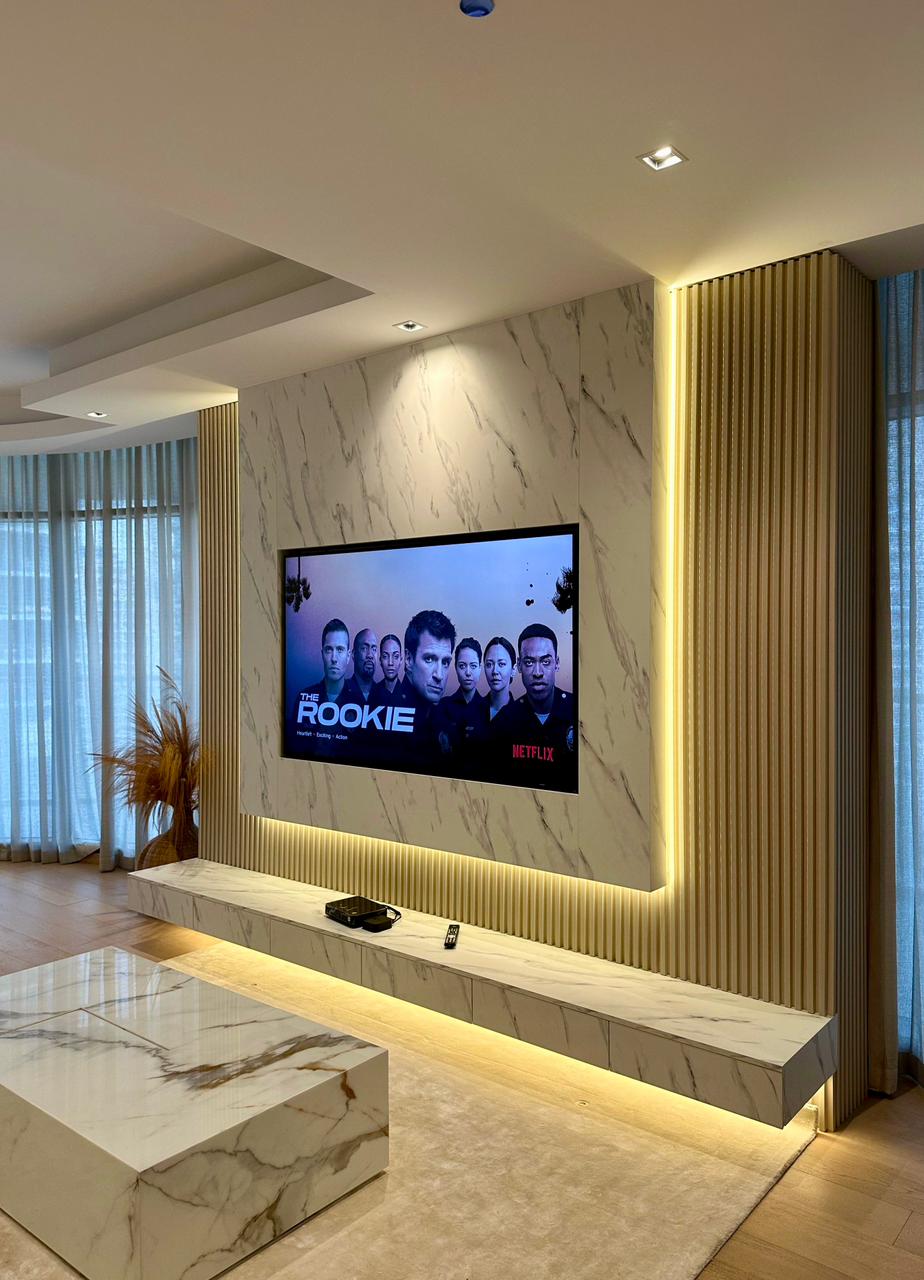
Warm, integrated lighting around or behind the screen adds depth and can reduce eye strain in dim rooms. Position windows, lamps, and reflective surfaces so they do not cause glare on the screen.
Speakers and Sound
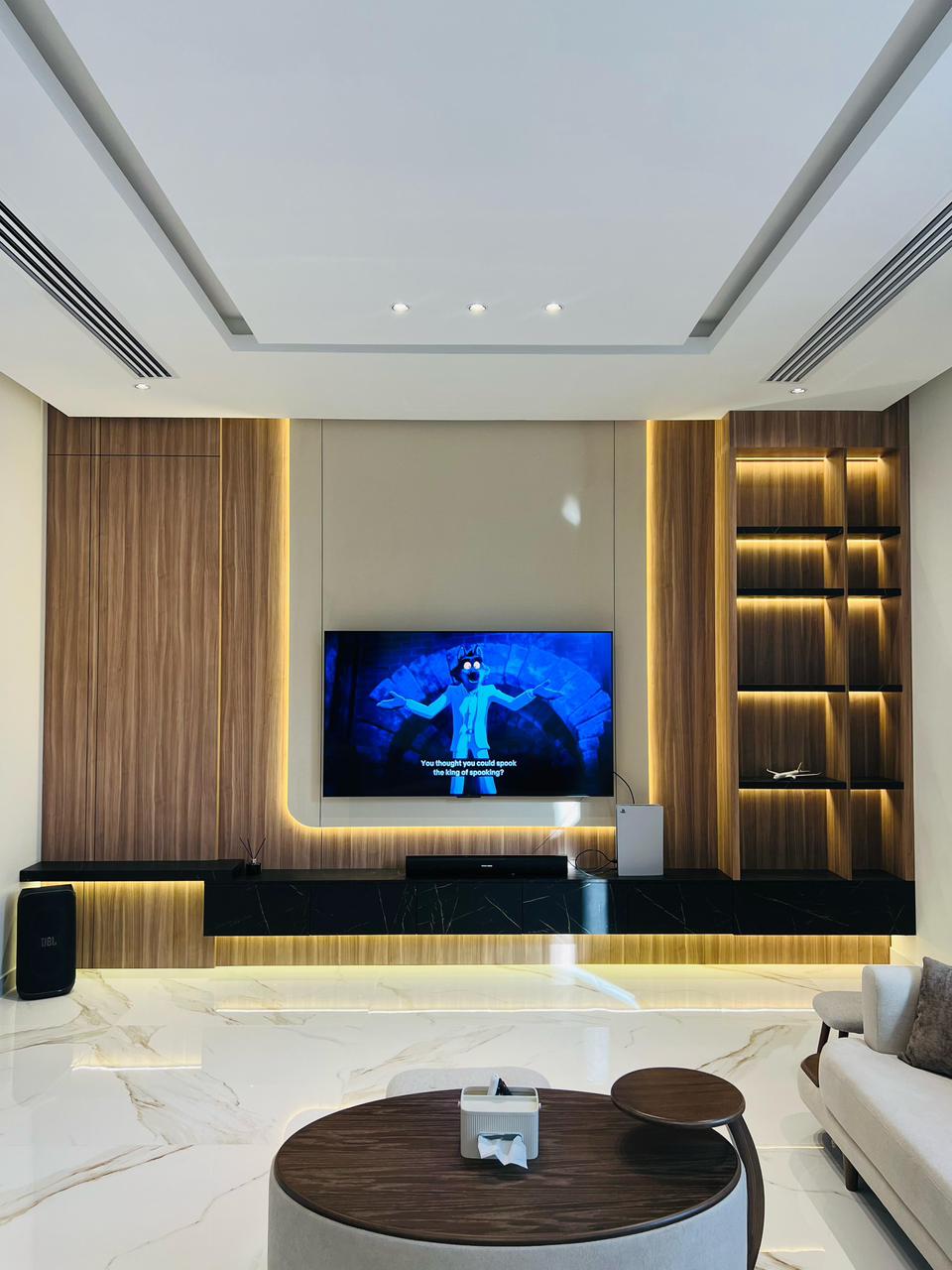
If you plan to use a soundbar or surround speakers, tell your designer early so cut-outs, shelves, and wiring are built in. For performance advice, consult your audio specialist.
Storage, Display, and Wall Panels
Combining Storage With Display
A TV wall can include closed storage for media and accessories and open shelves for display. Balancing both keeps the wall useful and attractive.
Matching Panels to the Room
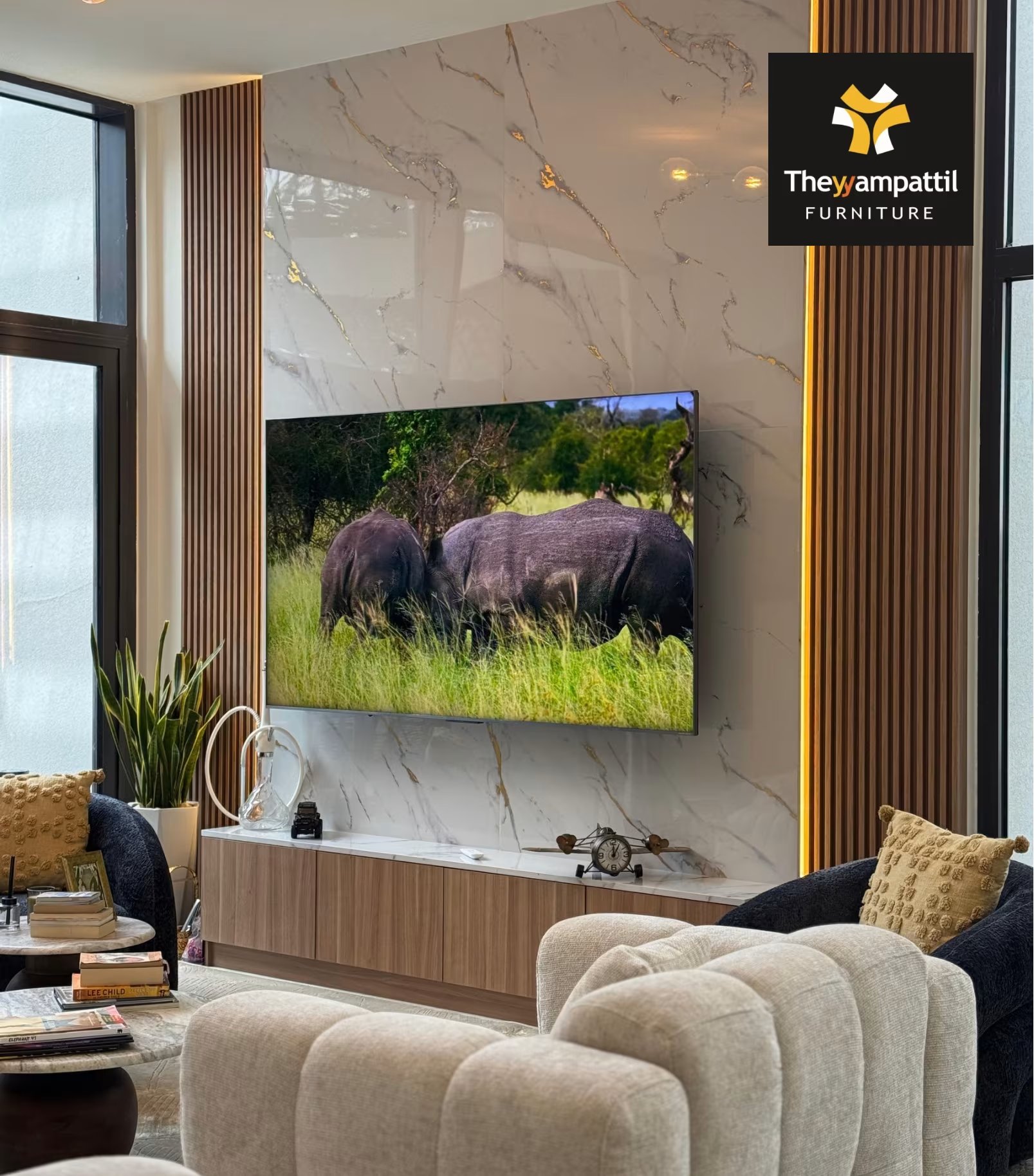
Wood or fluted panels, stone-look backdrops, and mirrored or metal accents should link to the rest of the room's finishes, so the TV wall feels part of one design rather than an add-on.
TV Wall Planning Checklist
| Decision | What to Confirm |
|---|---|
| Screen height | Centre near seated eye level for your seating |
| Viewing distance | Suited to screen size and seating position |
| Cable routes | Concealed conduits with access for changes |
| Wall backing | Reinforced for the screen's weight |
| Power and data | Positioned where equipment will sit |
| Ventilation | Airflow for devices in closed storage |
| Lighting and glare | Integrated lighting; windows and reflections checked |
| Sound | Soundbar or speakers planned from the start |
| Finishes | Panels and materials matched to the room |
Custom TV Walls at Theyyampattil Furniture
Theyyampattil Furniture designs and manufactures custom TV walls in-house at our Dubai, Sharjah, and Abu Dhabi facilities, with the design, materials, and details agreed with you at sign-off. Bring your screen size, equipment list, and seating plan to the consultation, and visit a showroom to see finished TV walls in person.
Frequently Asked Questions
Planning a custom TV wall? Book a consultation with Theyyampattil Furniture and bring your screen and equipment details.